Worklog Reports for Jira That Are Ready to Share
Filter, group, and export Jira worklogs by project, epic, sprint, or assignee. The reporting Jira should have had — without the spreadsheet detour.
Reporting that goes beyond native Jira
Jira shows you worklogs per issue. Rymo shows you the full picture.
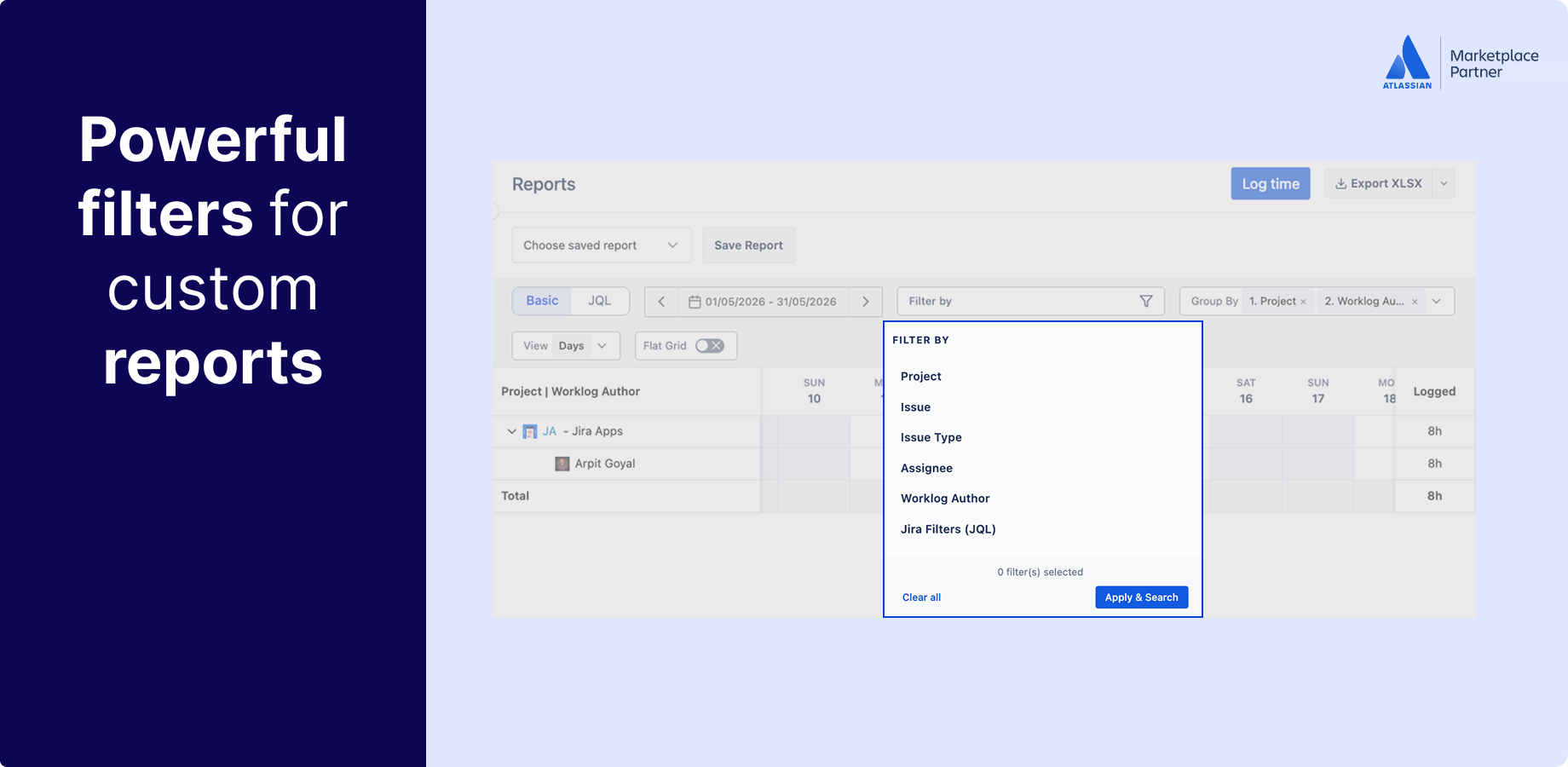
Filter worklogs any way your team actually needs.
Jira's native reporting is built for sprint monitoring, not time analysis. Rymo gives you a proper worklog report engine — filter by project, epic, sprint, assignee, issue type, date range, or custom field. Any combination. Results update instantly.
- Filter by project, epic, sprint, assignee, or issue type
- Custom field filtering — billable status, cost center, and more
- Flexible date ranges — day, week, month, or custom
- Combine filters to get exactly the view you need
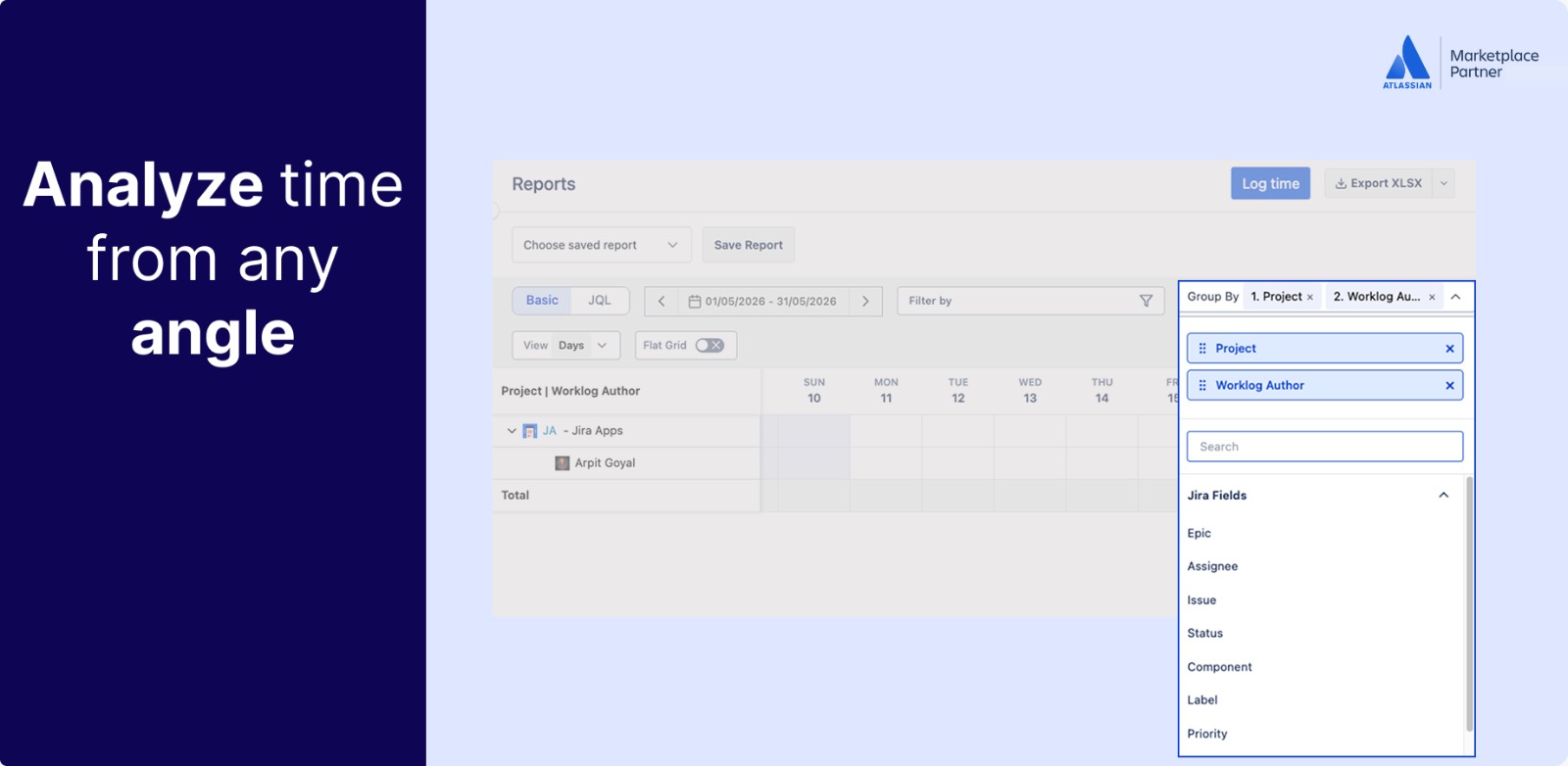
Group and summarise time at project and epic level.
Raw worklogs tell you what was logged. Grouped summaries tell you where time is actually going. Rymo lets you roll up worklogs by project, epic, assignee, or sprint — so you can answer the questions that matter before someone asks them.
- Group by project, epic, sprint, or assignee
- See time distribution at a glance
- Project and epic-level hour totals
- Spot where time is going before the retro
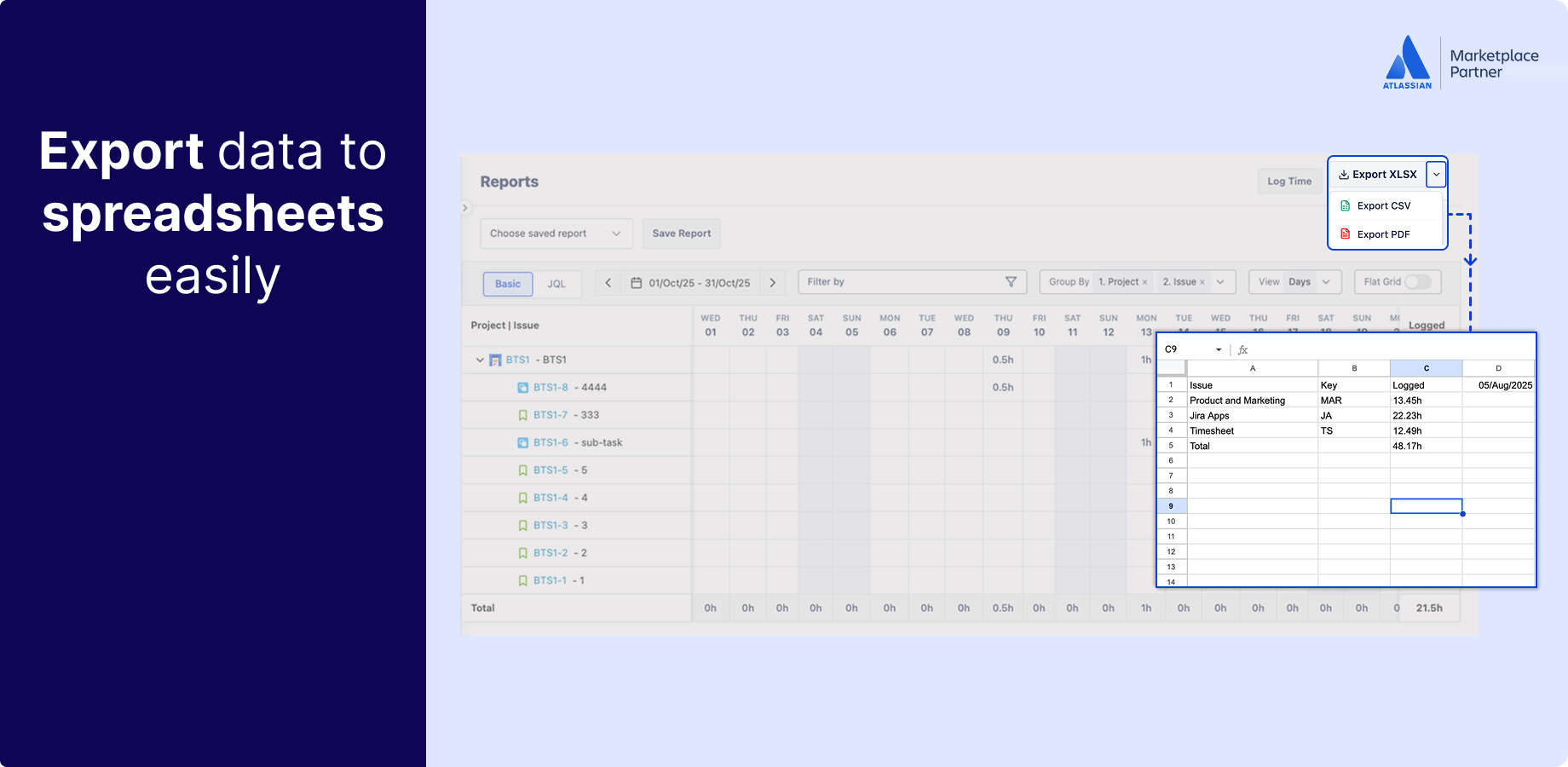
Export in one click — ready for billing or payroll.
Every report in Rymo is exportable to CSV or Excel with one click. Filter to billable hours only, group by client or project, and hand it straight to your finance team or billing system. No reformatting, no manual work.
- CSV and Excel export from any filtered report
- Filter to billable hours before exporting
- Ready for payroll, client invoices, or audits
- Complete worklog history — searchable and sortable
More than just reports
Dashboard gadgets, epic insights, and per-user views — all in one app.
Dashboard gadget — time at a glance
Add the Rymo Time Summary gadget to any Jira dashboard. See hours logged by team, project, or individual without leaving Jira. Pin it to your team dashboard for a daily snapshot.
Epic and project-level insights
How much time did your team spend on that epic? Which project is consuming the most hours? Rymo rolls up worklogs at the epic and project level so you can answer these questions without exporting anything.
Per-user worklog view
See exactly how each team member is spending their time across all Jira projects. Filter to a specific person, date range, or project — the view a team lead actually needs.
Trusted and proven
Using Rymo worklog reports
Rated excellent by users
Same reporting, fraction of the cost
No credit card required
Your team is already in Jira. Your timesheet should be too.
Free for up to 10 users. $0.40/user/month after that. 30-day free trial — no credit card, no setup call.