Jira Dashboard Gadgets for Time Tracking and Project Visibility
Rymo adds time summary gadgets to your existing Jira dashboards — project rollups, team visibility, and sprint-level insights. No new tool. No separate screen.
Time visibility where your team already looks
Jira dashboards your team checks every day — now with time tracking built in.

Time summaries on any Jira dashboard — no extra login.
Add the Rymo Time Summary gadget to any Jira dashboard your team already uses. See hours logged by project, user, or sprint at a glance — without opening a separate report or leaving Jira. Pin it once, your whole team sees it.
- Works on any existing Jira dashboard
- Time summary by project, user, or sprint
- Shared automatically with everyone on the dashboard
- No separate screen or login needed
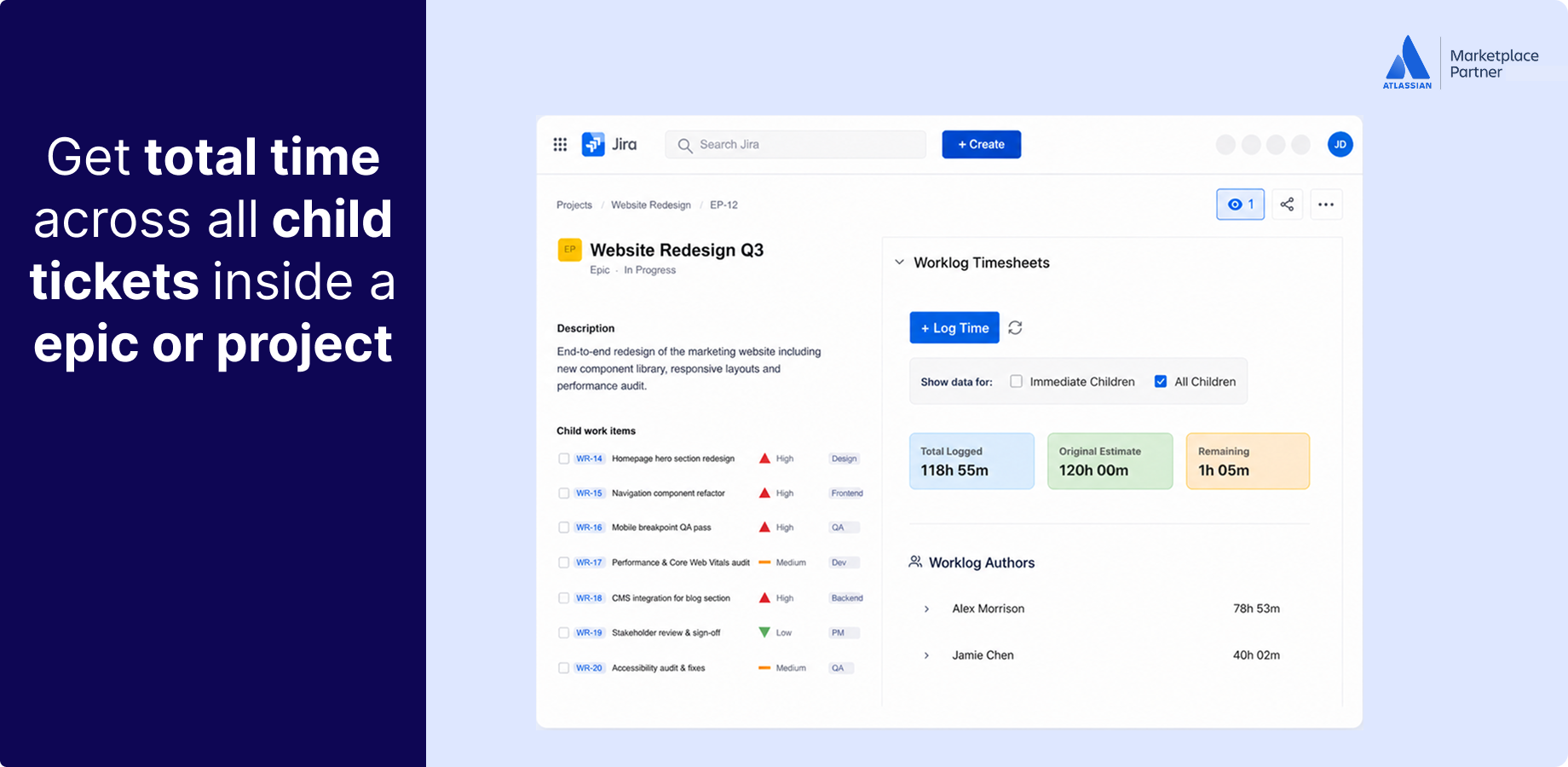
Project and epic-level time rollups — without exporting anything.
Individual issue worklogs only tell part of the story. Rymo rolls up time at the project and epic level so you can see where hours are actually going — across the full scope of work, not just one ticket. Useful for sprint reviews, capacity planning, and budget conversations.
- Time rollups at project and epic level
- Compare planned vs actual hours
- Useful for sprint reviews and capacity planning
- No export needed — visible directly in Jira
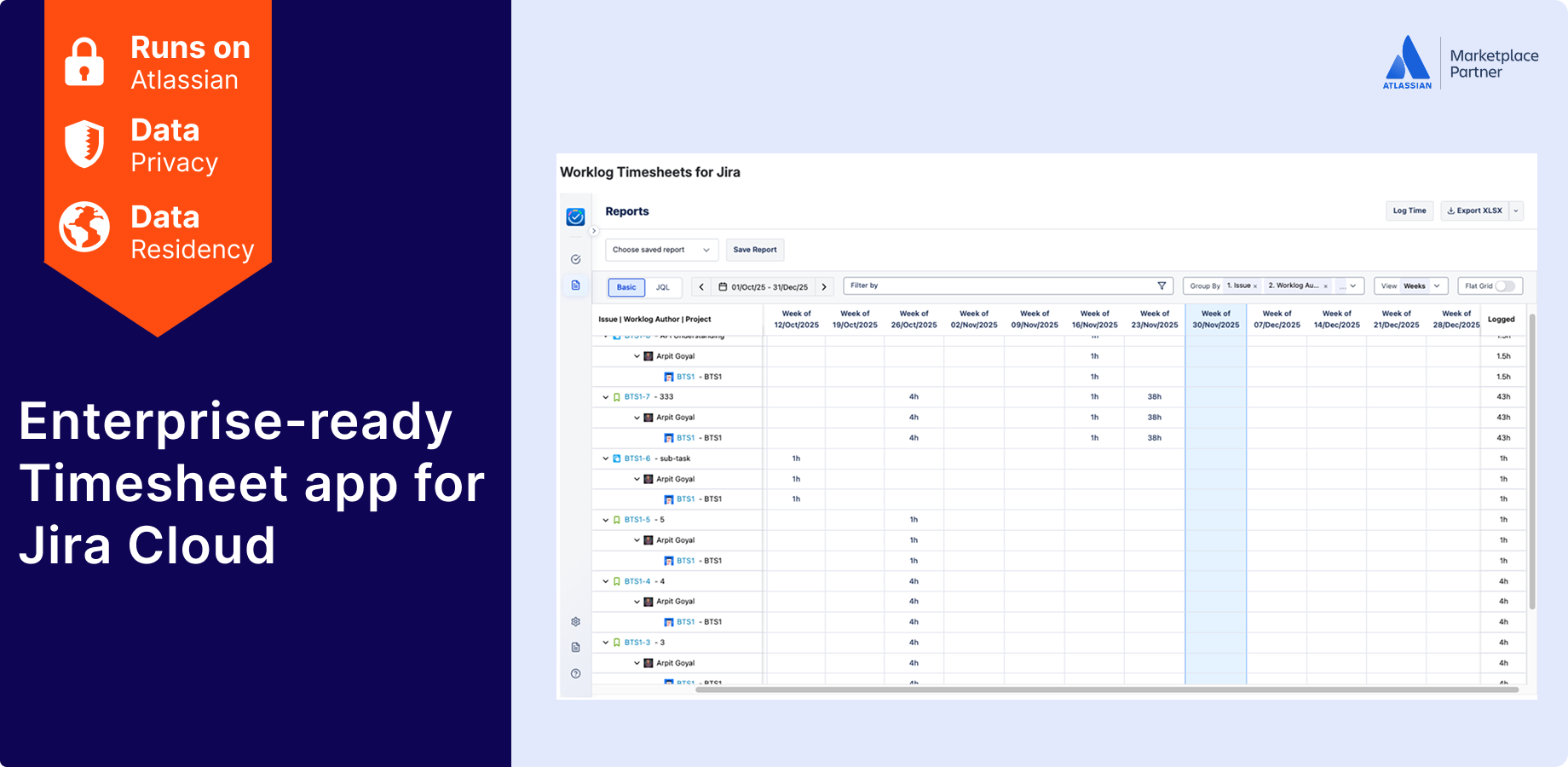
Team time visibility — see how work is distributed.
Know how time is spread across your team on any given project or sprint. Rymo gives managers a per-user breakdown so you can spot imbalances, identify who is over-committed, and make better resourcing decisions — before they become problems.
- Per-user time breakdown across projects
- Filter by date range, project, or sprint
- Spot workload imbalances early
- Works within your existing Jira permissions
Why teams use Rymo dashboards
Native, real-time, and permission-aware — the way a Jira gadget should work.
Stays inside Jira
No new tool to open, no separate dashboard to maintain. Rymo gadgets live on your existing Jira dashboards — where your team already looks.
Always current
Dashboard data reflects the latest worklogs in real time. No manual refresh, no scheduled exports, no stale numbers in a morning standup.
Respects your permissions
Rymo uses your existing Jira permission setup. Team members only see what they are allowed to see — no extra configuration required.
Trusted and proven
Using Rymo dashboards in Jira
Rated excellent by users
Same visibility, fraction of the cost
No credit card required
Your team is already in Jira. Your timesheet should be too.
Free for up to 10 users. $0.40/user/month after that. 30-day free trial — no credit card, no setup call.