The Jira Timesheet App Your Team Will Actually Use
Rymo gives your Jira Cloud workspace a proper timesheet — log time across multiple issues, see weekly totals, and track billable hours. All inside Jira, with nothing new to learn.
What a real Jira timesheet looks like
Not issue-by-issue logging — a proper timesheet view your whole team can use.
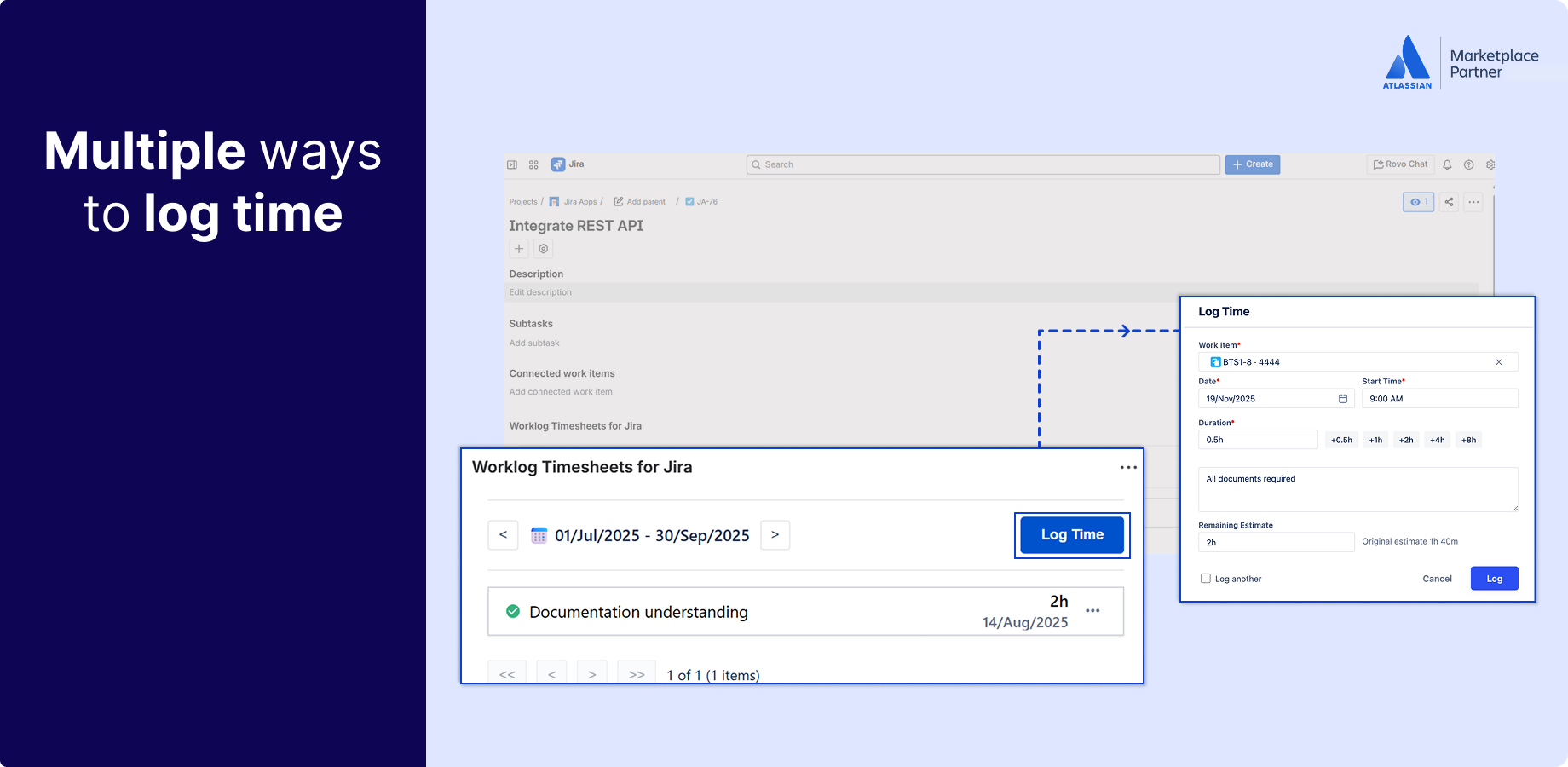
Log time your way — without leaving Jira.
Jira's built-in time tracking makes you open each issue one at a time. Rymo gives you a kanban-style or table view where you log time across multiple issues and days from a single screen. Timer, manual entry, or bulk logging — whichever fits how your team works.
- Kanban-style or table view — your choice
- Log across multiple issues and days at once
- Timer, manual, or bulk entry
- Native Jira look and feel — zero learning curve
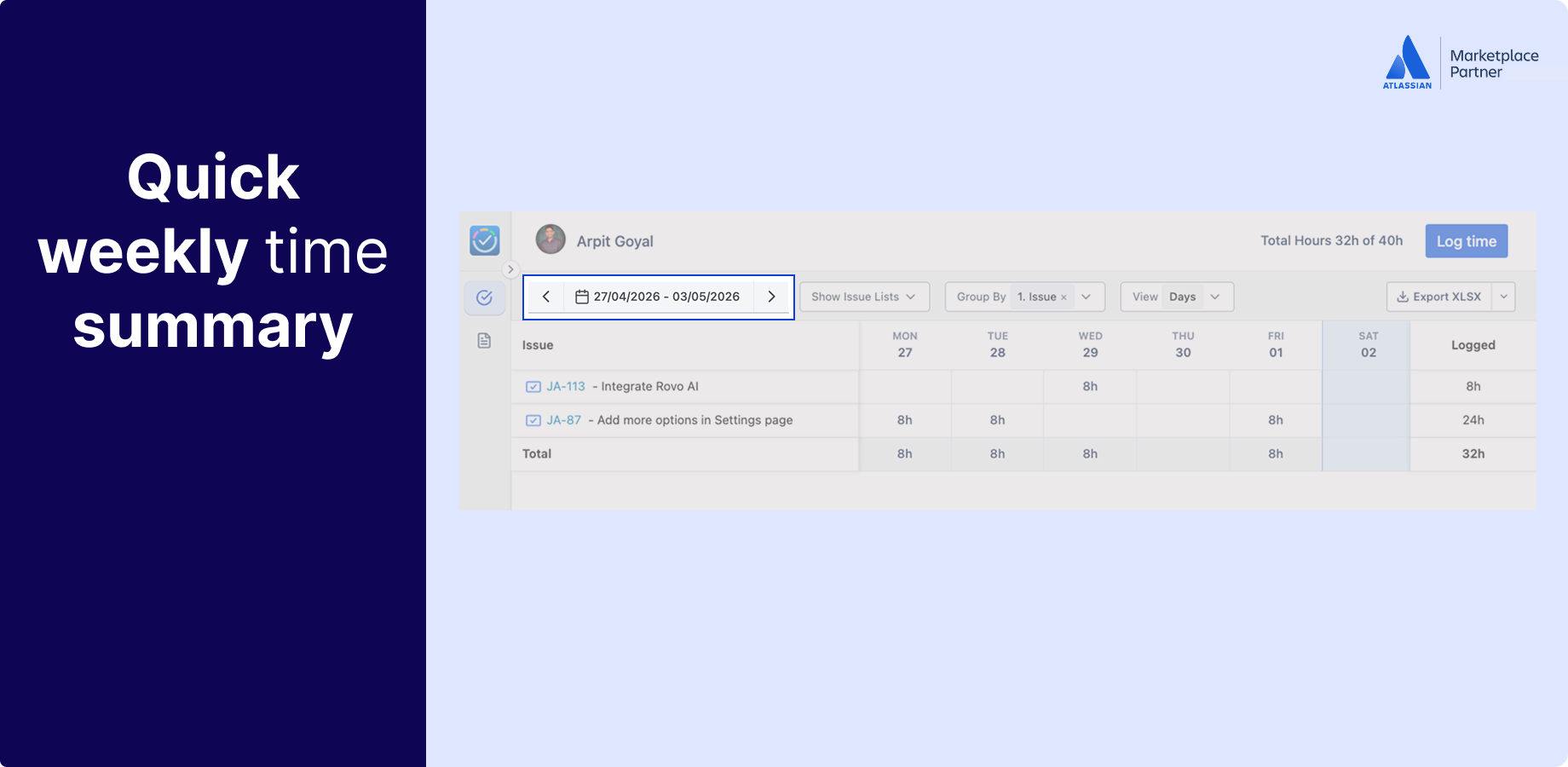
A proper weekly view your whole team can use.
Stop asking your team to piece together where their week went. Rymo gives everyone a weekly timesheet view across all their Jira issues and projects — individual logs, daily totals, and weekly summaries in one place. Managers get team-wide visibility. Team members get clarity.
- Weekly and monthly views for individuals and teams
- Daily and weekly hour totals at a glance
- Switch between your own view and team view
- Works across all Jira projects at once
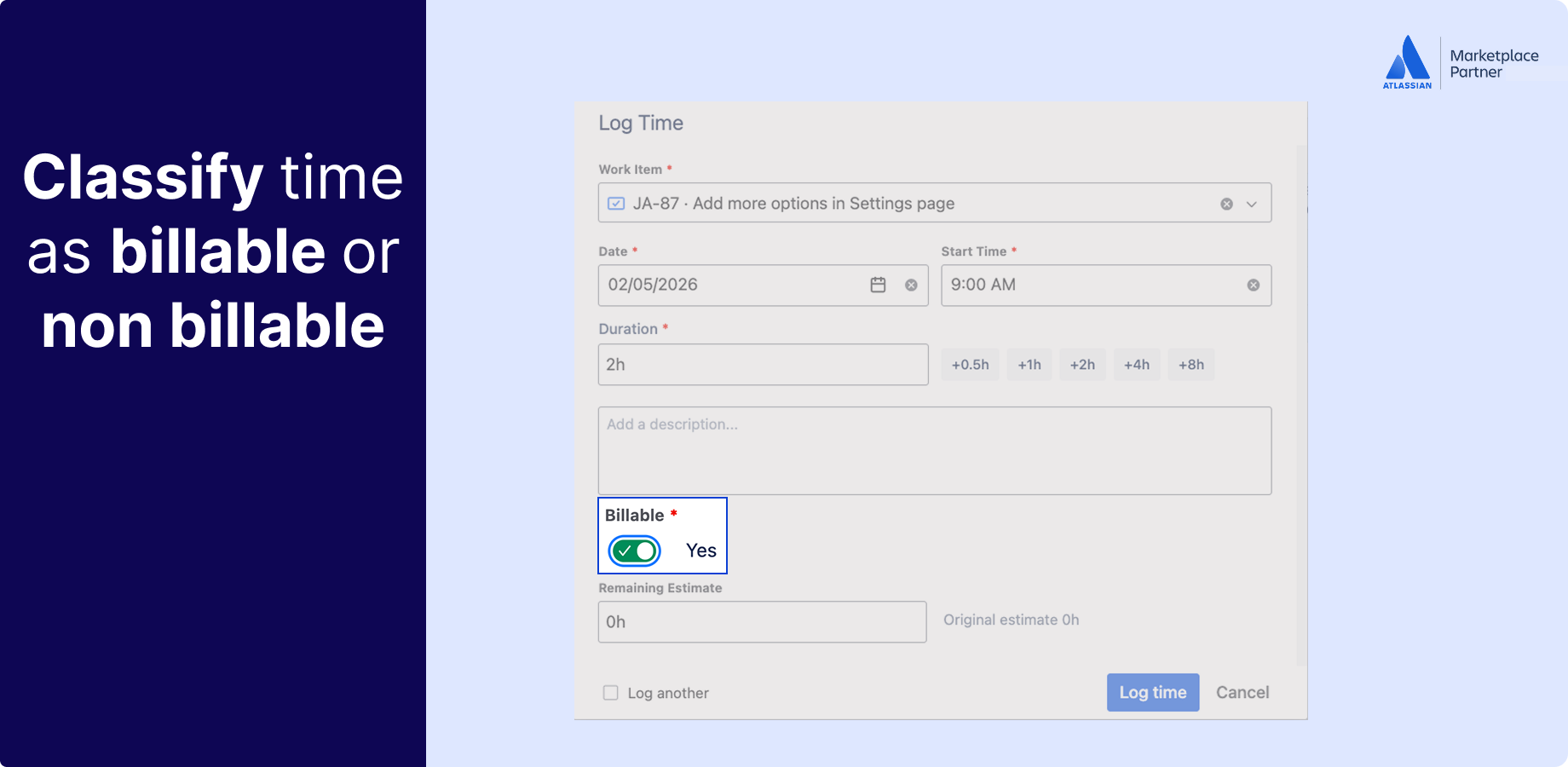
Billable and non-billable — tracked at the point of entry.
Mark every time log as billable or non-billable the moment it is created. No reclassifying at month end, no chasing team members for clarification. Filter your timesheet by billing status, roll up totals by project or client, and export when you are ready.
- Billable / non-billable field on every worklog
- Filter timesheets by billing status
- Roll up totals by project, epic, or client
- CSV export ready for invoicing
Your data never leaves Jira
Built on Atlassian Forge — the most secure app framework Atlassian offers.
Data stays in your Jira instance
Rymo is built on Atlassian Forge. All timesheet data lives inside your Jira environment — no third-party servers, no external replication. Fully data-residency compliant.
Respects your Jira permissions
Rymo works within your existing Jira permission framework. Control who can log time, view team timesheets, and export data — based on the roles you have already set up.
Audit-ready time records
Every time entry is tracked and searchable. Export complete worklog history for compliance, payroll, or client reporting — whenever you need it.
Trusted and proven
Using Rymo for Jira timesheets
Rated excellent by users
Same features, fraction of the cost
No credit card required
What teams are saying
"This looks a great alternate to time wasting sheet maintaining task. Should help a lot of people."
"Very responsive team! Great support and flexibility"
"Really easy to use app. No nonsense features just what you actually need. Really happy with this."
"Seamless integration with our existing workflow. The automation features have saved our team countless hours every sprint cycle."
Your team is already in Jira. Your timesheet should be too.
Free for up to 10 users. $0.40/user/month after that. 30-day free trial — no credit card, no setup call.