Track Billable Hours and CapEx / OpEx Time in Jira
Rymo adds billable tracking and CapEx / OpEx classification to every Jira worklog — using custom fields your team already has. Billing-ready reports, one click away.
Built for teams that need to account for every hour
Billable tracking, CapEx / OpEx classification, and billing-ready exports — all inside Jira.
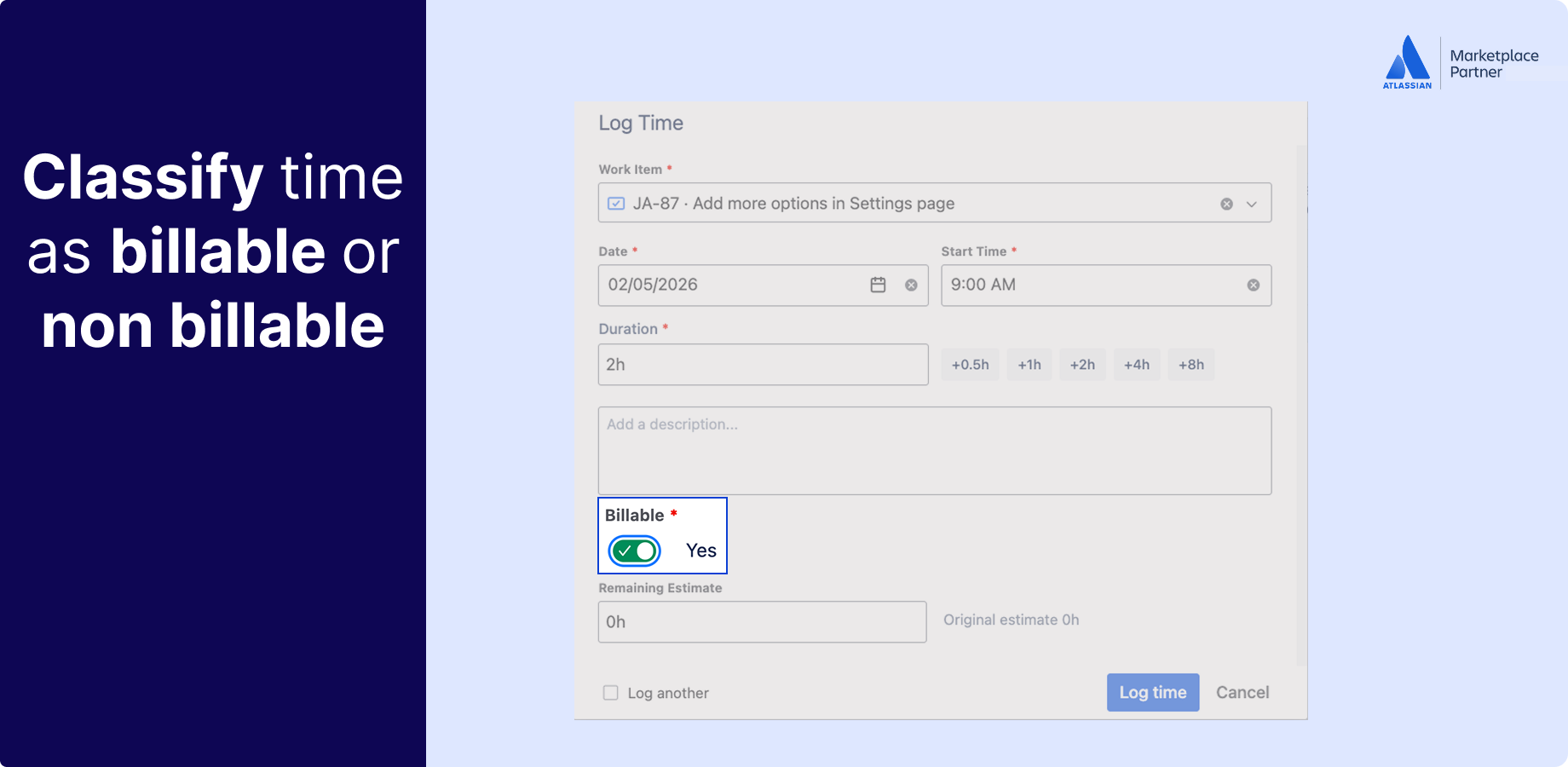
Mark every log as billable or non-billable at entry.
Native Jira has no concept of billable hours. Rymo adds custom fields to every worklog so your team can classify time the moment they log it. No post-processing, no chasing people at month end to remember what was client work and what wasn't.
- Billable / non-billable field on every worklog
- Mark hours at time of logging — not after the fact
- Filter any report to billable hours only
- Roll up billable totals by project, epic, or client
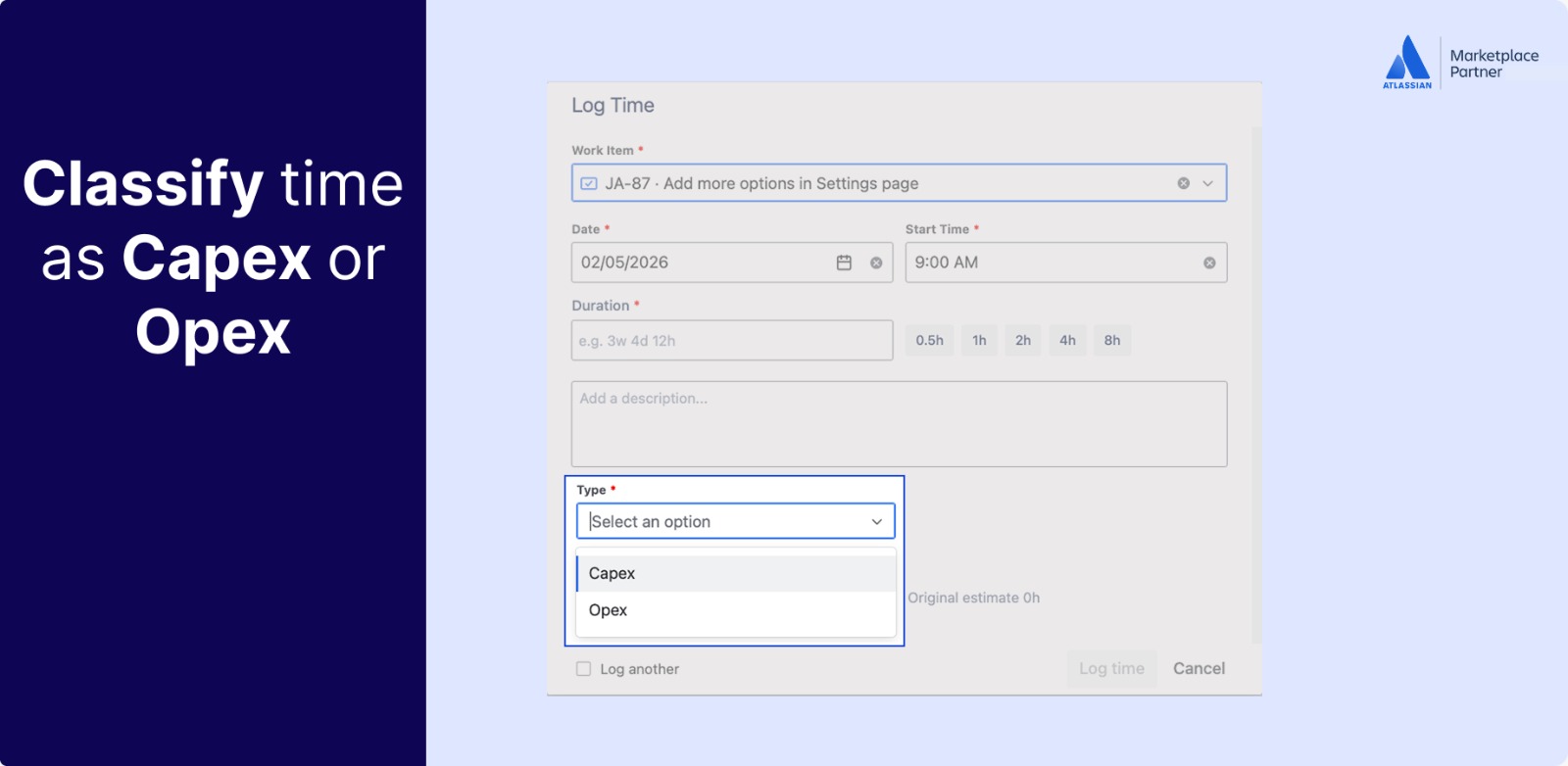
CapEx and OpEx classification — using fields you already have.
Split time between capital and operational expenditure using Jira custom fields your team already uses. No new taxonomy to build, no separate tool to maintain. Rymo reads your existing custom field setup and lets you filter, group, and report by CapEx or OpEx across any project.
- Uses your existing Jira custom fields
- No new taxonomy or field setup required
- Filter reports by CapEx or OpEx split
- Export classified time data for finance teams
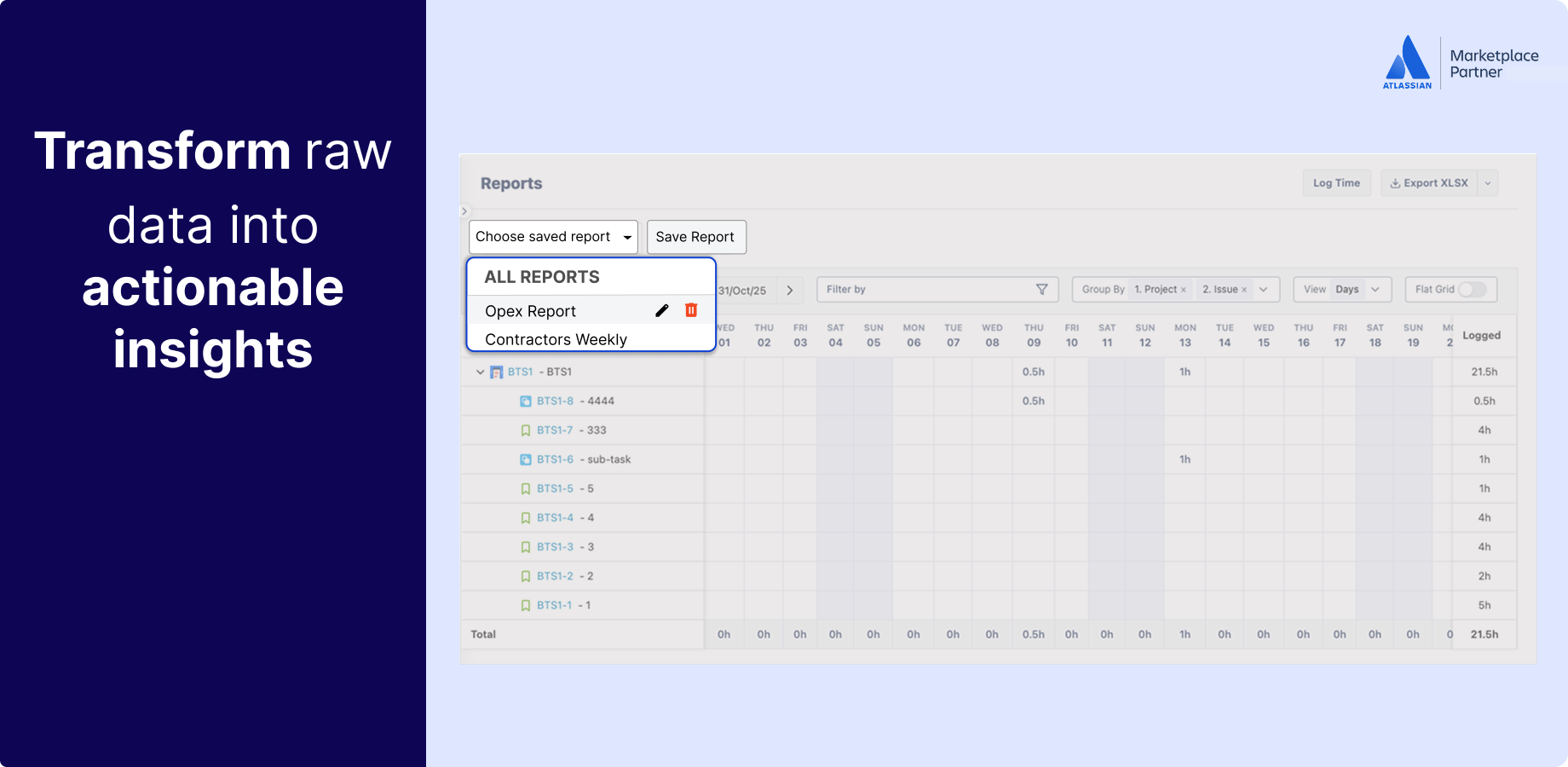
Billing-ready reports your finance team can use as-is.
Filter your worklog report to billable hours only, group by project or client, and export to CSV or Excel. Your billing data is already in Jira — Rymo makes it usable. Hand the export to your finance team or paste it straight into your invoice.
- Filter reports to billable hours only
- Group by project, epic, client, or assignee
- CSV and Excel export — ready for invoice generation
- Complete audit trail of all billable time
Who uses Rymo for billable hours
From agencies billing clients to PMO teams splitting CapEx and OpEx — anyone who needs time data that holds up.
Agencies and consultancies
Track client hours directly in Jira where the work lives. Generate per-client billing reports at month end without touching a spreadsheet.
Internal cross-charge teams
Mark hours as billable to specific cost centers or business units. Report on internal time allocation for chargebacks and budget reviews.
Finance and PMO teams
Get reliable CapEx/OpEx and billable hour data from Jira without chasing team members. Exports are clean, structured, and ready for your reporting system.
Trusted and proven
Tracking billable hours with Rymo
Rated excellent by users
Including billable hour tracking
No credit card required
Your team is already in Jira. Your timesheet should be too.
Free for up to 10 users. $0.40/user/month after that. 30-day free trial — no credit card, no setup call.